
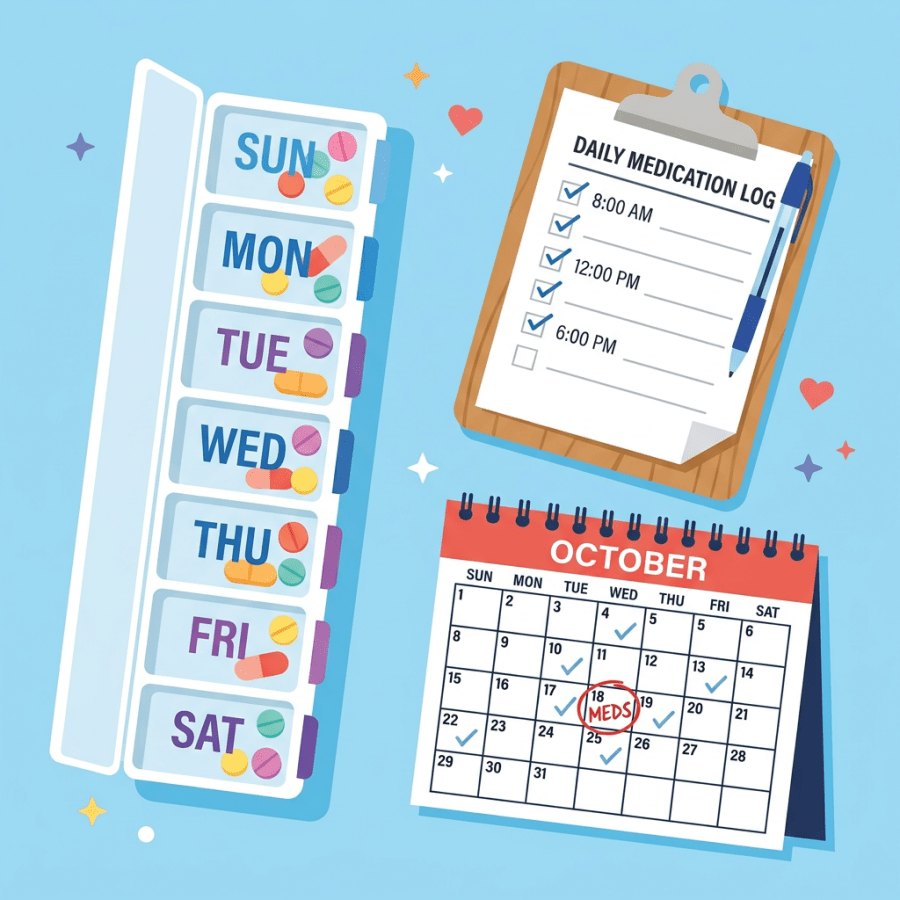

Weekly pill organizer, daily medication log with times checked, calendar with medication reminders

Tips to Manage and Organize Your Elderly Parent’s Medications

shutterstock_138204188

Many of my patients, and many of the families I work with, face the same challenge. Their parents are taking multiple medications, sometimes several times a day, and it’s hard to keep everything straight. As memory declines with age, the details of what to take, when to take it, and why it matters can easily get lost. The problem is that missing doses or mixing up prescriptions can quickly affect health.

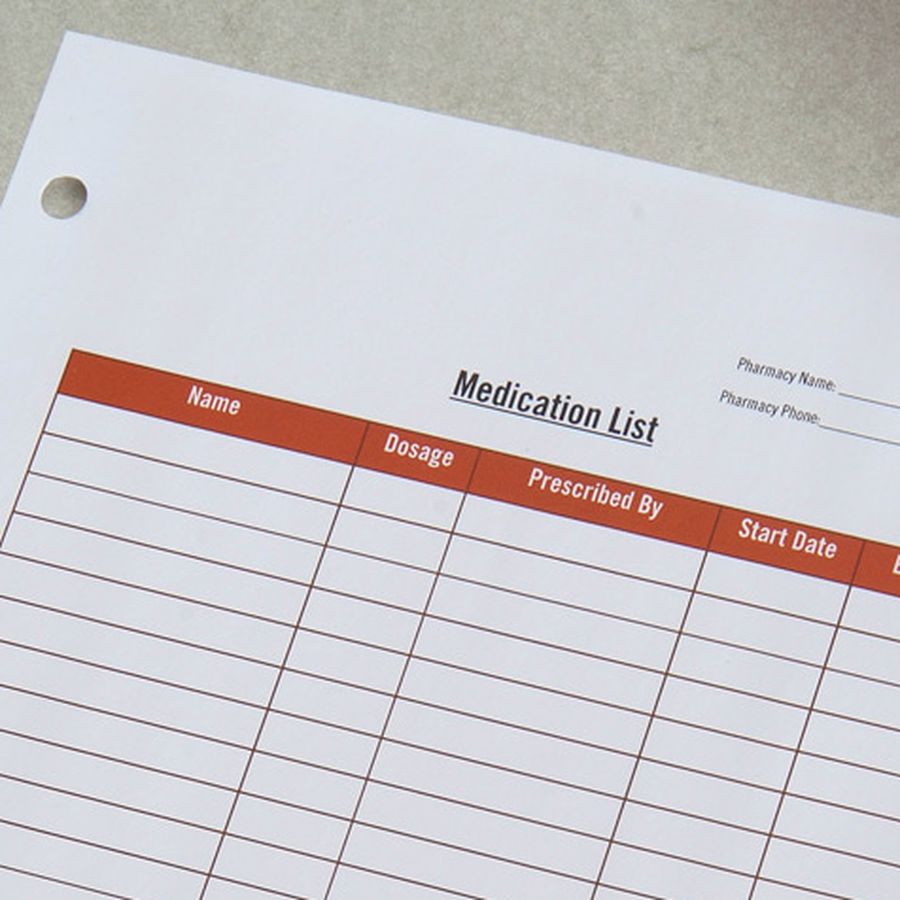
I’ve found that patients do better when they understand why they’re taking each medication. A simple note like “blood pressure” or “cholesterol” written next to the name helps. I often hand out an updated medication list at every visit. It’s printed in a large, easy-to-read font so it doesn’t get overlooked. Some people keep that list on the fridge or next to their pill bottles so they can check it quickly. Others like to carry it on a USB drive or keep it stored securely online, so it’s available if they land in another clinic or hospital. The key is making sure the list stays current. Whenever a prescription changes, I encourage families to replace the old list immediately (Centers for Disease Control and Prevention, 2023).

Where medications are stored makes a difference too. If bottles are tucked away in a cabinet, they’re easier to forget. Putting them near the coffee maker, a water dispenser, or a bathroom sink works better. Those spots become natural reminders because the person passes them throughout the day.

When I visit a patient at home, I try to look at the actual bottles. Comparing what’s on the label with what’s on the chart can prevent mistakes, like taking an outdated prescription. If a refill is almost due, it’s easier to take care of it right then than to wait until the patient runs out.

Simple tools can also make a big impact. Pill boxes are inexpensive and work well for organizing doses by day or time. Even basic versions you can buy at the pharmacy help patients and caregivers see at a glance whether a dose has been taken. More advanced boxes come with reminders built in, though those cost more.

Technology is playing a growing role in this space. Some prescription bottles now come with reminder caps that glow, beep, or even send a text message when it’s time to take the next dose. Vitality’s GlowCaps are one example that combine light and sound alerts with electronic reminders (Vitality, 2024). For patients who already use smartphones, setting a daily alarm or calendar alert works just as well.

There are also mobile apps designed specifically for tracking medications. Options like iPills, Pillbox, Pillboxer, and The Pill Phone help patients and caregivers schedule, track, and confirm doses (National Institutes of Health, 2022). For tech-savvy patients, these can reduce the burden of trying to remember everything on their own.

None of these approaches are complicated, but they do take a little extra time and attention. Whether it’s keeping an updated list, moving the bottles where they’re easier to see, or using a pill box or phone alarm, the goal is the same. Patients who remember their medications stay healthier, and caregivers have one less thing to worry about.

This article is for information only and is not medical advice for any individual. Please talk with your medical provider about any specific questions.

Scott Rennie, D.O.
Board Certified in Obesity Medicine and Family Medicine

This blog is for educational purposes only and does not constitute individual medical advice. Always consult your own physician before making changes to your health, medications, or treatment plan.
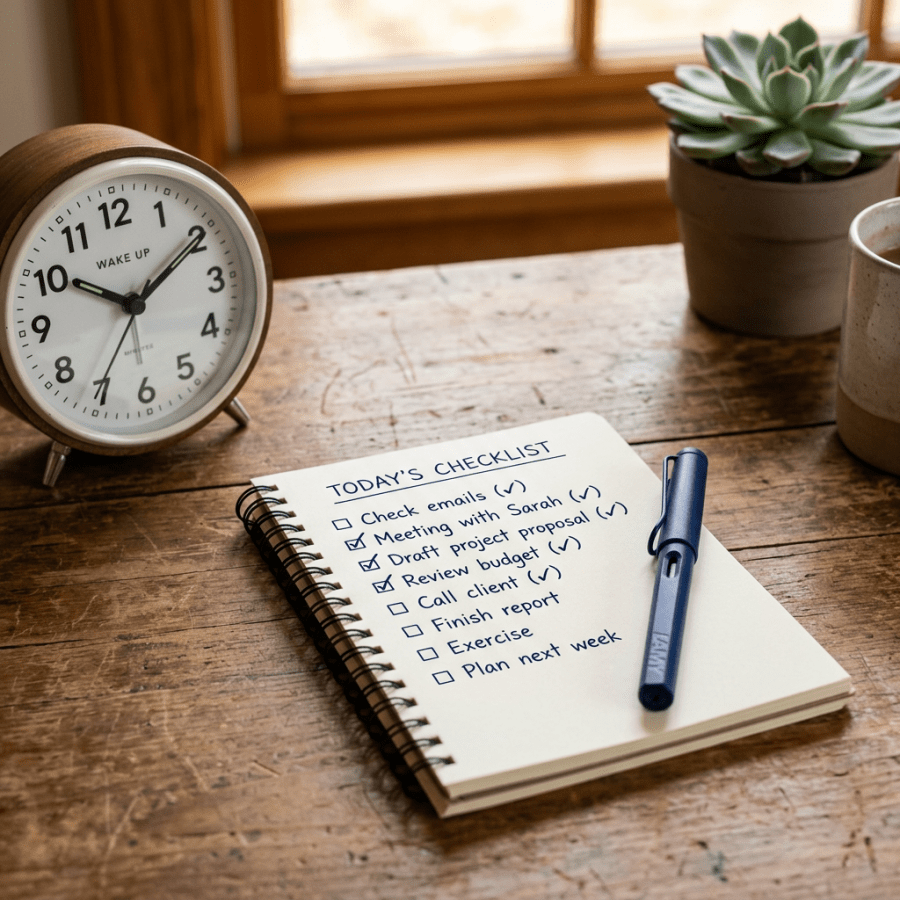
Checklist, notepad, pen, and clock on table

How to Save Time and Money on Your Next Doctor Visit

by Stephen Meyers, MD Have you ever been frustrated by an unproductive or inopportune visit with your doctor that wasted your time and money? Here are a few tips to keep that from happening again. The problem Many visits with healthcare providers are poorly timed and less productive than they could be.  Why?  Because nobody is looking out for you between visits. It’s not that your doctor doesn’t care.  He or she is simply too busy with clinical tasks to be able to optimize your visits. As a result, you spend more money and get suboptimal care:
  • Extra visits and additional costs at the pharmacy.
  • Incorrect or unnecessary testing and treatment.
  • Rushed decisions and explanations.
  • Some visits are so handicapped by poor planning that they accomplish nothing, wasting both your time and money.
It is easy to minimize the number of visits and maximize the time with your doctor. The solution You can easily accomplish more for less cost at the doctor’s office with what I call SMART Preparation–Scheduling, Medications, Agenda, Records and Tests. The exercise will only take a minute or two and will pay off every time. Scheduling Optimize visit timing and duration.
  • Most important:  When making the appointment, inform the receptionist of EVERY issue that you need to cover so that adequate time is scheduled.  If you think of additional topics to be addressed, call back to allow a previously scheduled visit to be extended.
  • Schedule visits just before medications refills are due to avoid wasting purchased prescriptions.
  • Using a mail-order pharmacy?  Allow time for shipping to avoid expensive local refills.
  • Space out visits to different healthcare providers to avoid redundant care.
Medications Save money by knowing your medication history and cost information.
  • Most important:  Bring your insurance drug formulary and/or pharmacy discount drug list.
  • Be sure to know details about any ineffective or poorly tolerated past medications.  (Tip:  If you can’t remember a name or dose, check with the pharmacy.)
  • Carry an accurate list of current medications and dosages.
Agenda To avoid a return visit sooner than expected, have a clear understanding of what needs to be accomplished this visit.
  • Most important:  Make a prioritized list of items that you hope to address.  Always present your list to the doctor at the start of the visit.
  • Don’t count on your doctor to identify non-immediate issues that may soon need follow-up.  (Tip:  Look for any prescriptions that have fewer than five refills left.)
  • Identify any future exam or paperwork deadlines (school, camp, daycare, work, employment, insurance).  Address them now, or account for them in the timing of your visit.
Records Don’t let lack of needed information undermine your visit.
  • Most important:  Turn in your homework.  Examples might include home blood pressure measurements, blood sugar results or a detailed timeline of your symptoms.
  • Gather or request all past records related to issues that you plan to address.
  • Bring all recommendations from other healthcare providers seen since your last visit.
Tests Avoid unnecessary testing and being hauled back into the office for overlooked lab work.
  • Most important:  Consider what tests you will soon be due for.  Get them out of the way now.
  • Bring a copy of all recent and past pertinent test results done elsewhere.
  • Get a copy of any test results performed this visit.
It is up to you When seeking assistance from any professional, ample preparation allows you to accomplish more in less time.  In the medical setting it will also improve your care and save money along the way. Now with SMART Preparation you can spend less for your care than just showing up at the office and hoping for the best. Stephen Meyers is a family physician who blogs at The Med Savings Blog. Submit a guest post and be heard on social media’s leading physician voice.

Scott Rennie, D.O.
Board Certified in Obesity Medicine and Family Medicine

This blog is for educational purposes only and does not constitute individual medical advice. Always consult your own physician before making changes to your health, medications, or treatment plan.